Launch offer Fully free for your first 6 months. Every plan, every feature, no card.
Your menu, your tables,
your kitchen.
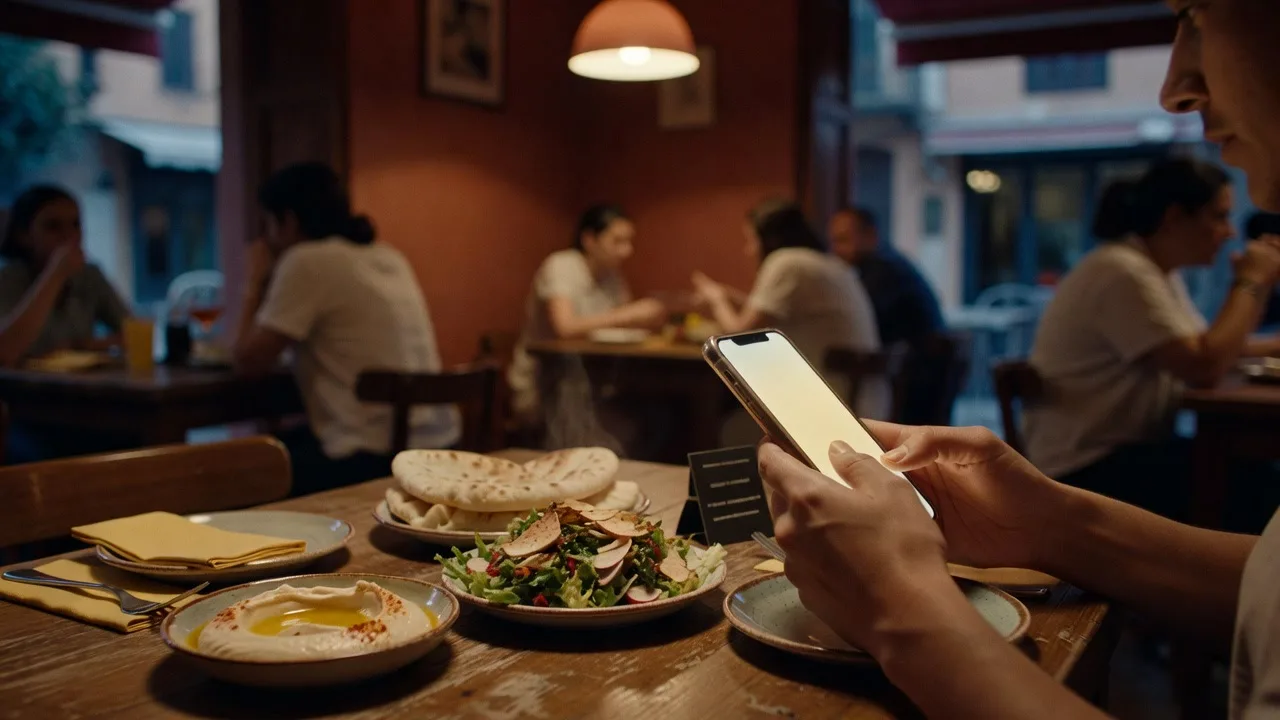
A menu people scan instead of touch. Orders that arrive at the pass instead of at a waiter's memory. Set it up this afternoon.
- No card to start
- Nothing for guests to install
- Arabic and English, built in
- Dine-in, takeaway and delivery
10
minutes from signup to a menu guests can scan
0
apps for your guests to install
6
months free on every plan, no card
The menu
Your menu, always right, in two languages
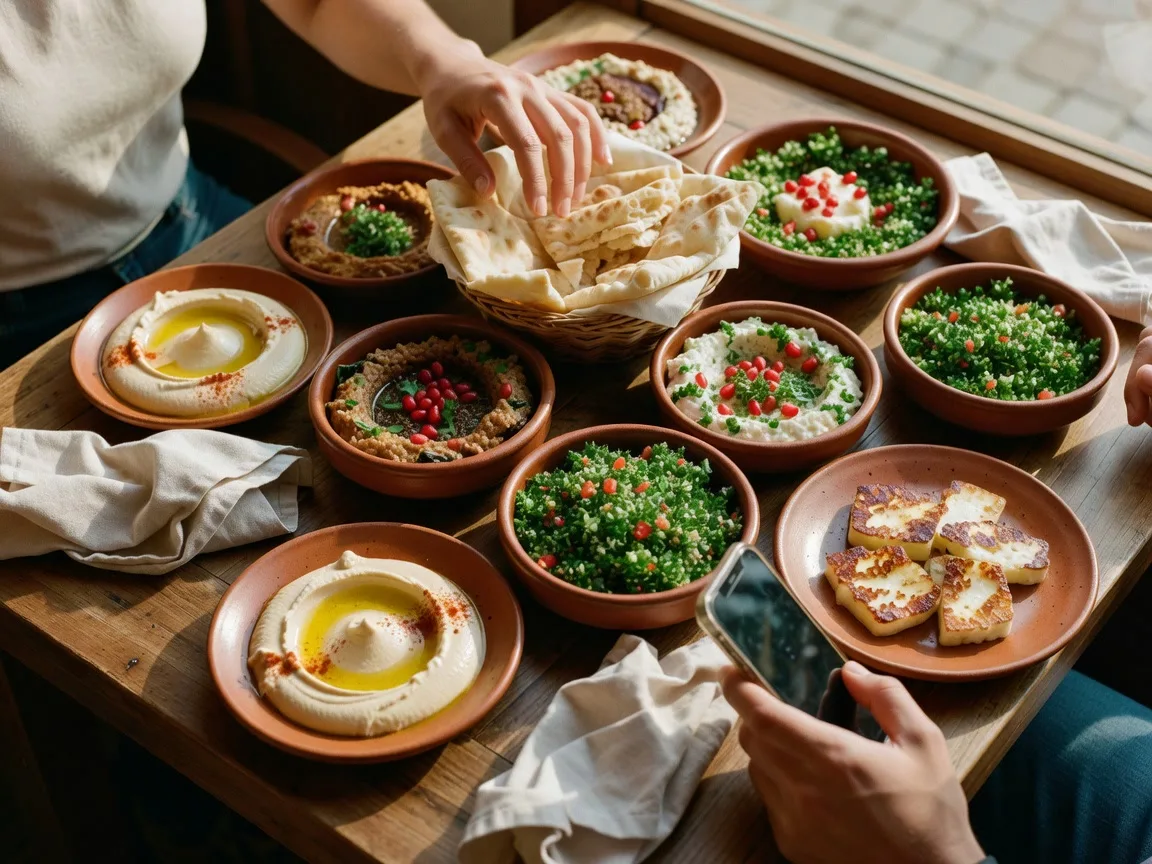
Photos, sections and prices, managed from your phone. Change a price once and every QR code on every table shows it that second, in English and Arabic.
- Starter menus by cuisine, or import your own from a spreadsheet
- Mark a dish sold out and it vanishes from every table
- Photos that stay sharp on any phone
The kitchen
Orders land at the pass, not in a notebook
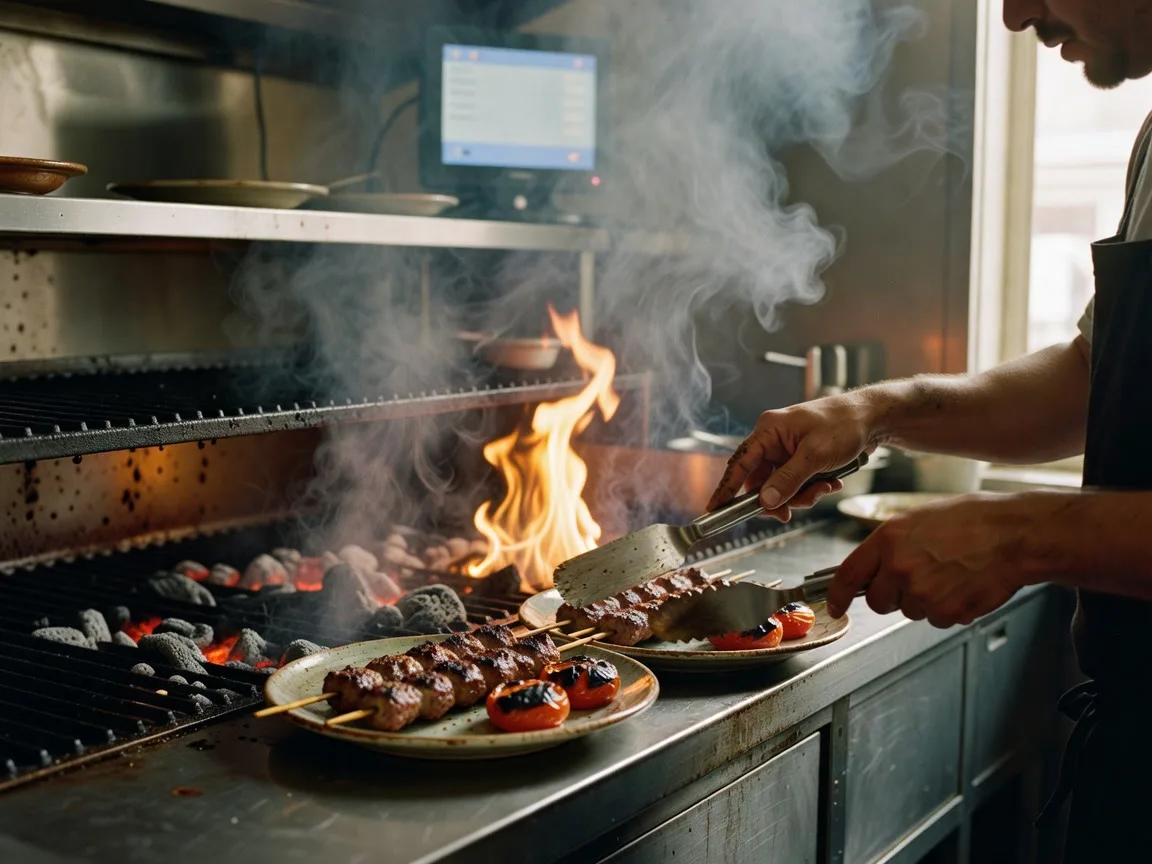
A guest orders from their table and the ticket is on the kitchen screen before a waiter could have written it down. One tap per state: cooking, ready, served.
- A kitchen screen that runs on any tablet
- Waiter calls and table requests in the same queue
- A history that never argues about who ordered what
The room
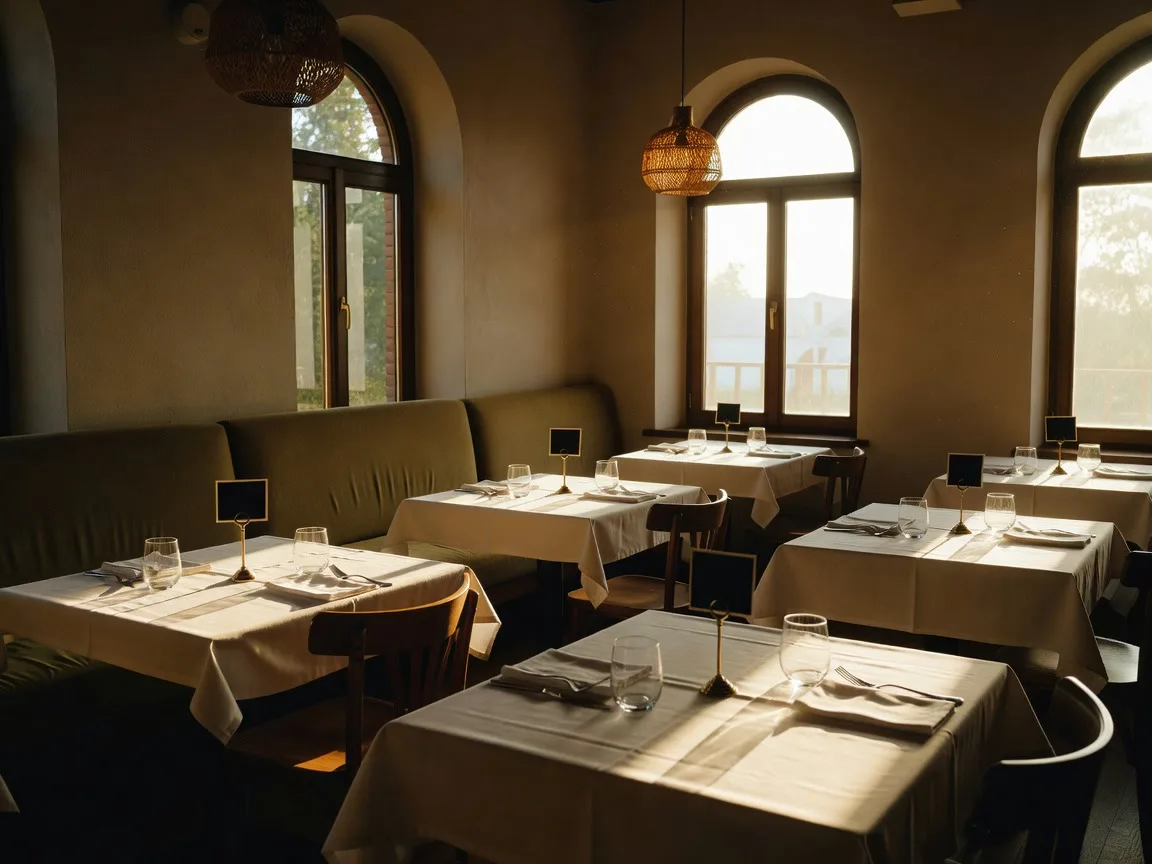
Every table can speak for itself
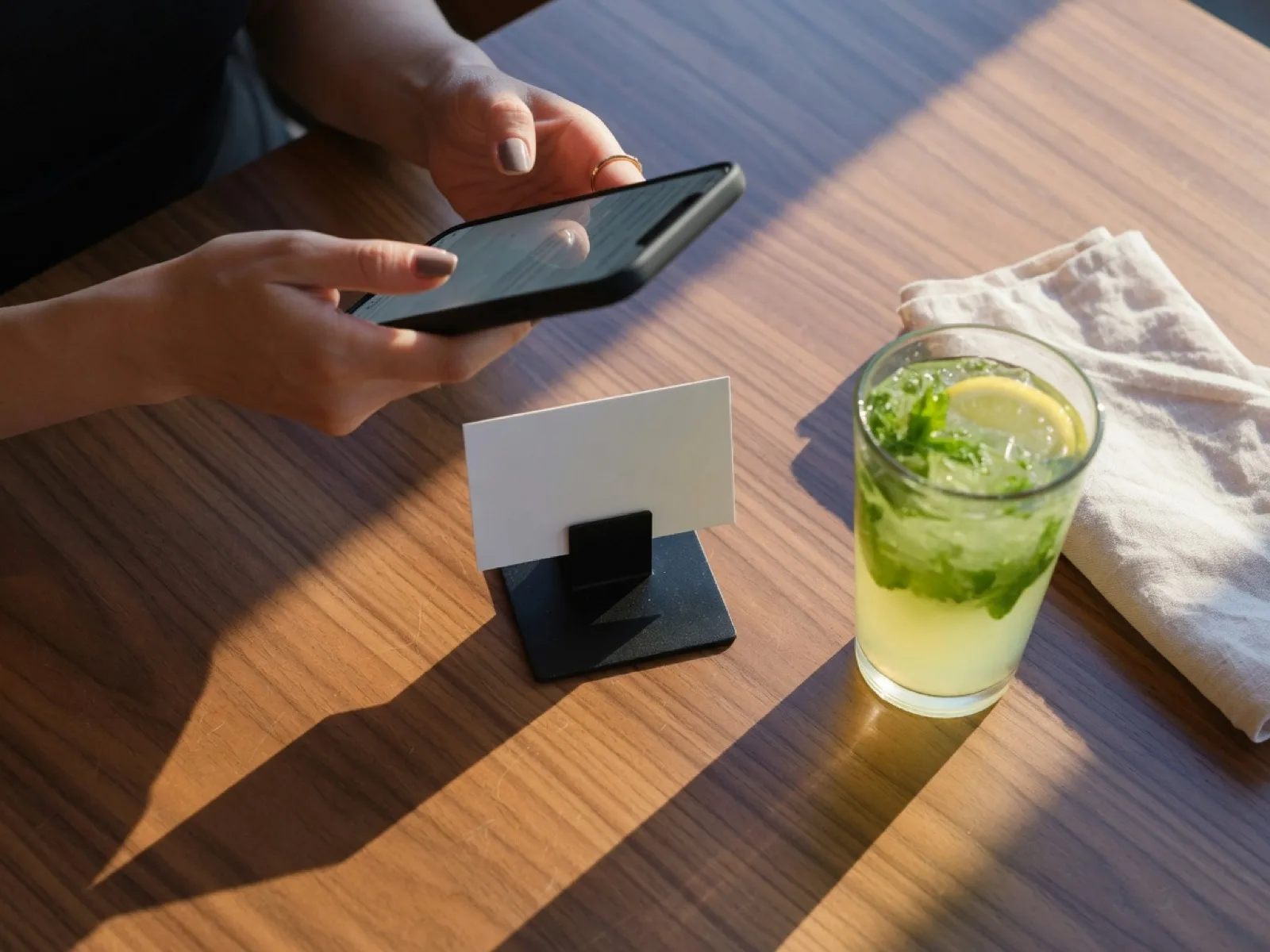
Print one QR sticker per table, once. From then on the table says what it needs: orders, a waiter, the bill. Your floor board shows the whole room at a glance.
- A printable QR sheet for all your tables in one click
- A floor board a waiter can work a section from
- Bookings and loyalty on the plans that need them
Beyond the table
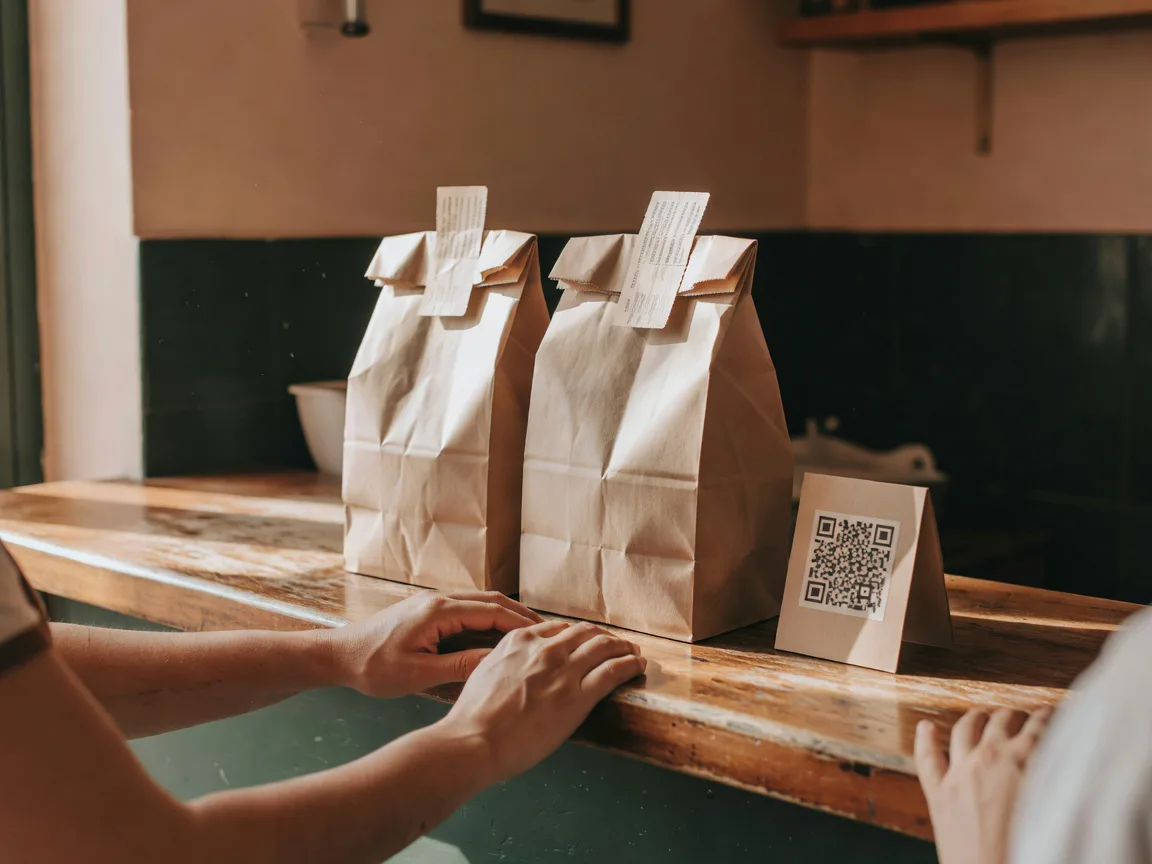
Takeaway and delivery, from the same menu
The menu your tables use is the same one guests order takeaway and delivery from. Every order lands on the same kitchen screen with a ticket number, and delivery runs on zones you draw, each with its own fee.
- A QR at the counter takes takeaway orders while people wait
- Ticket numbers guests can follow from their phone
- Delivery zones and fees you set yourself
Up close
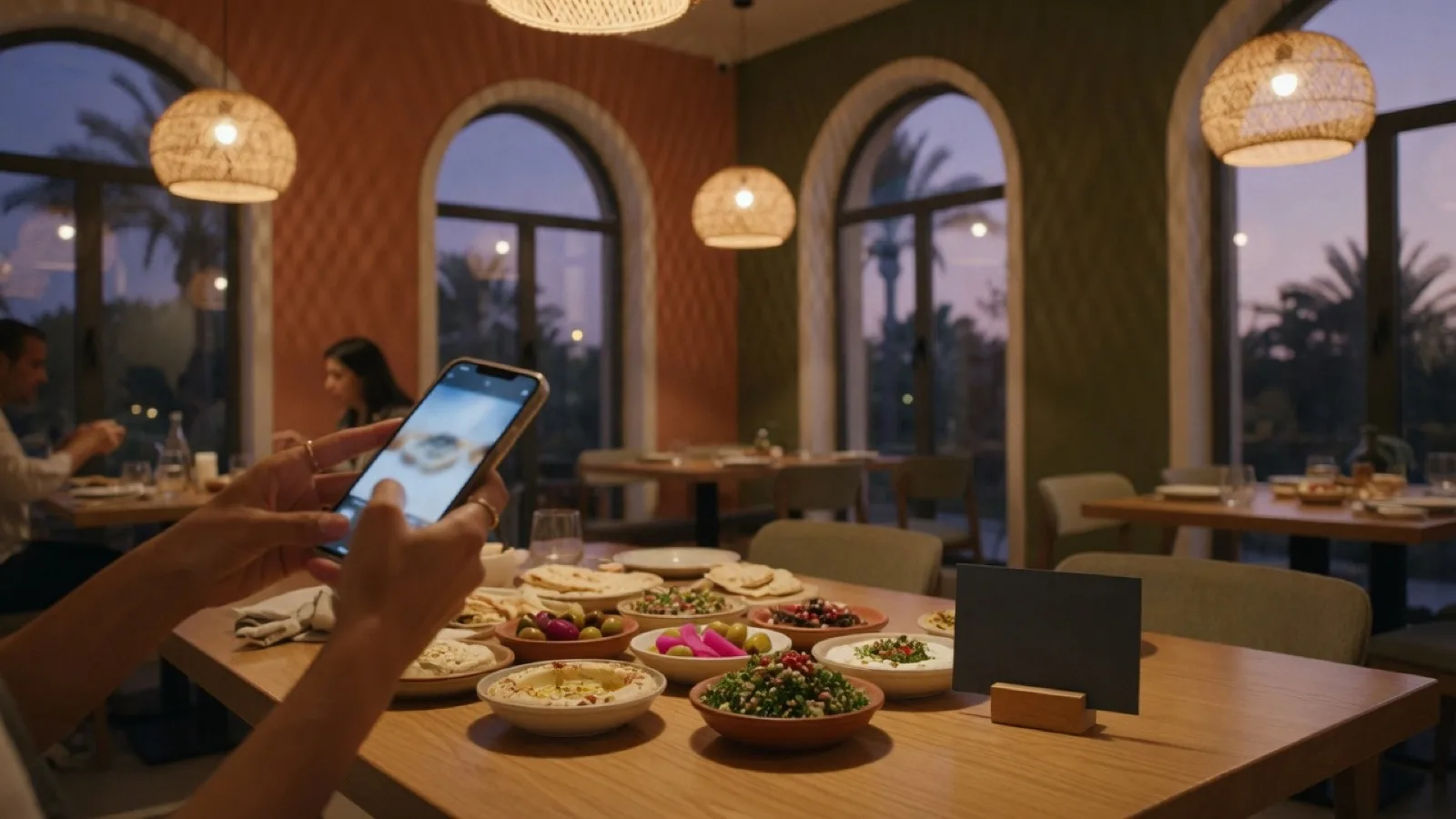
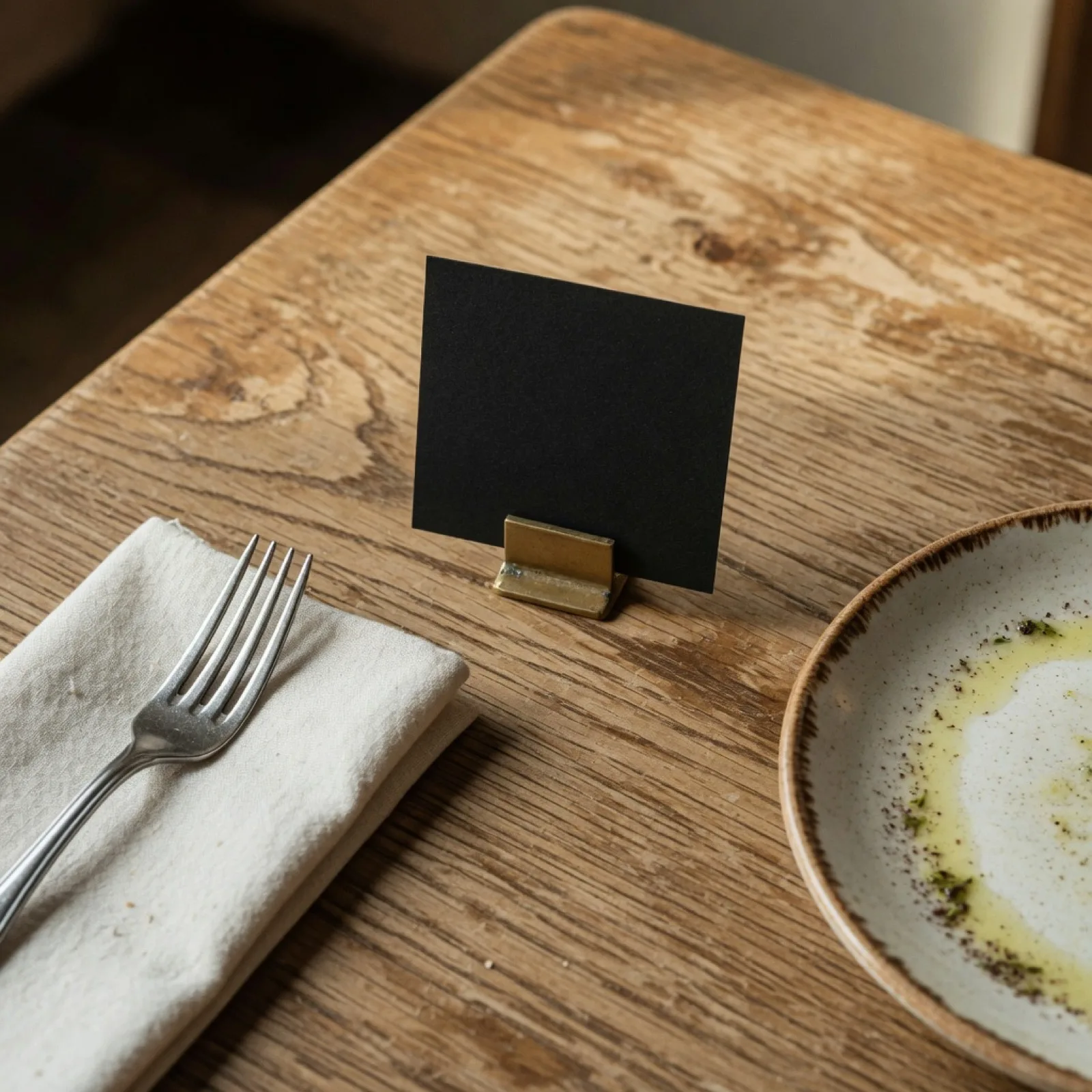
What it looks like on a real table
Already serving
Restaurants running on Karmetta
Not screenshots - live storefronts taking orders right now. Open any of them and see what your guests would see.
 Papino
Wood-fired pizza and fresh pasta
Visit the storefront
Papino
Wood-fired pizza and fresh pasta
Visit the storefront
 Ghawar Restaurant
Authentic Arabic cuisine, Burbank IL
Visit the storefront
ByteDeut
Visit the storefront
FoloJob
Visit the storefront
الريف
Visit the storefront
Ghawar Restaurant
Authentic Arabic cuisine, Burbank IL
Visit the storefront
ByteDeut
Visit the storefront
FoloJob
Visit the storefront
الريف
Visit the storefront
Live this afternoon
-
1
Sign up
Pick a name and a plan. Your storefront and admin panel exist before your coffee cools.
-
2
Build the menu
Quick-add on your phone, import a spreadsheet, or start from a ready menu and edit it down.
-
3
Print your QR codes
One sheet, one sticker per table. Guests scan and order; the kitchen cooks.
Plans
Pay as you go
No monthly fee. Pay only for the tables that actually get scanned.
Start on Pay as you goStarter
QR ordering and the kitchen screen. What a small dining room actually runs on.
Start on StarterEvery plan is fully free for your first 6 months. No card to start, and nothing charged until you decide to stay.
Questions owners actually ask
Is it really free for 6 months?
Yes. Every plan, every feature, for your first 6 months, and we do not ask for a card. When the free months end you pick a plan, and nothing is ever charged without you choosing it.
Do my guests need to install an app?
No. A guest scans the QR code on the table and the menu opens in their browser. Ordering, calling a waiter and tracking the order all happen right there.
Does it work in Arabic?
Fully. Your menu, your storefront and your admin panel all speak Arabic and English, and every table code serves both from the same sticker.
What hardware do I need?
None to start. The admin panel runs on your phone, the kitchen screen runs on any tablet or spare screen with a browser, and the QR stickers come out of any printer.
Can guests order takeaway or delivery?
Yes. The same menu takes dine-in, takeaway and delivery orders, and you decide which of those your restaurant offers. Delivery runs on zones you draw, each with its own fee, and every order lands on the same kitchen screen with a ticket number.
What if I want to leave?
Your data is yours. You can export everything - menu, orders, guests - at any time, and if you cancel we hand you the full export before anything is removed.
Your first table could be ordering tonight
Fully free for 6 months. No card, no installer, no sales call.
Start a restaurant