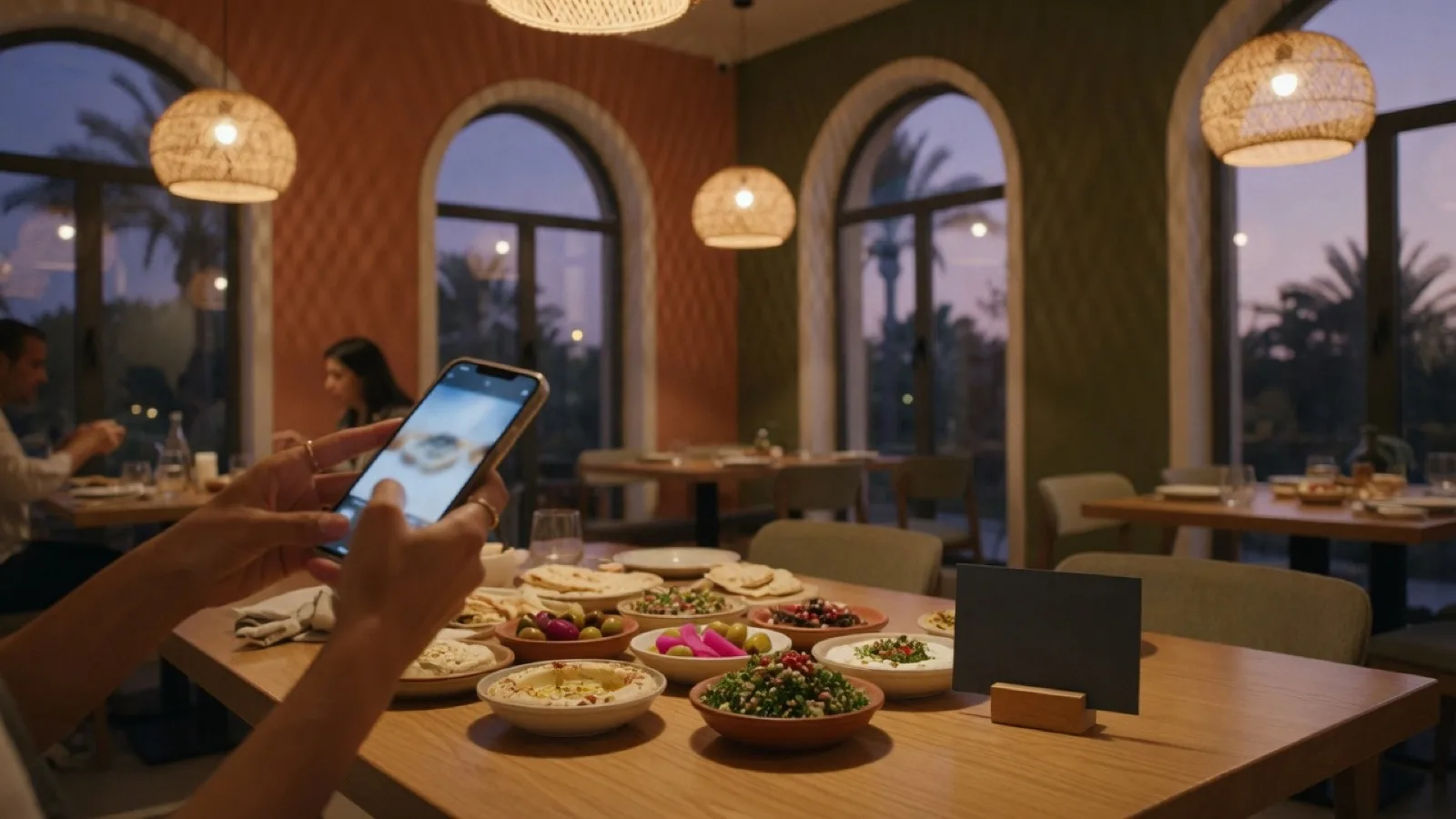
Scan to order
QR ordering for restaurants.
Guests scan. The kitchen fires.
No app to download, no cashier to queue for, nobody to flag down. A sticker on the table is the whole system, in Arabic and in English, on the phones and screens you already own.
The actual product
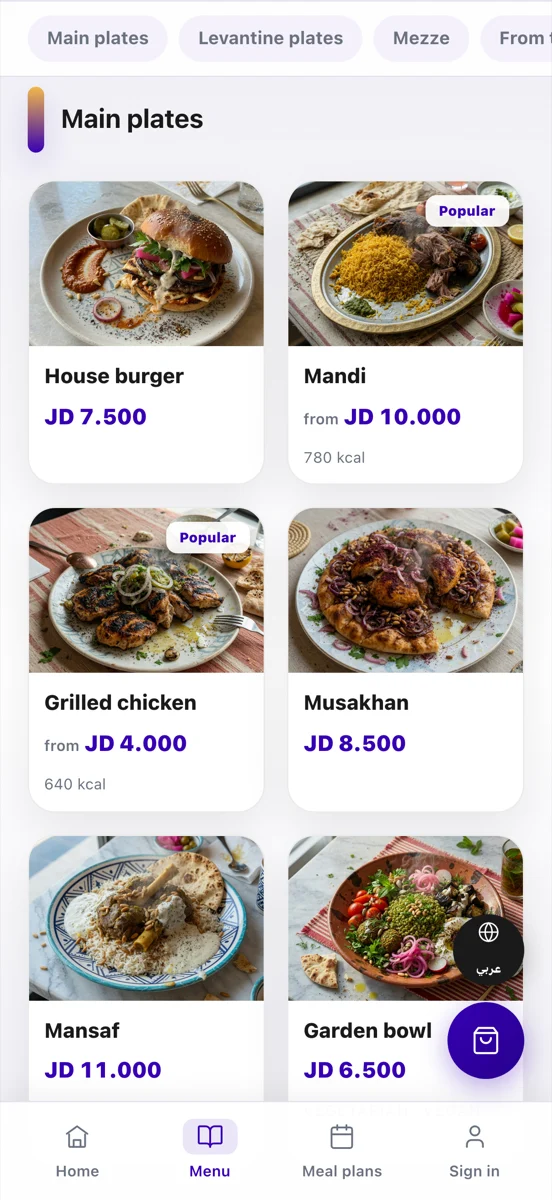
This is the whole thing, not a mockup.
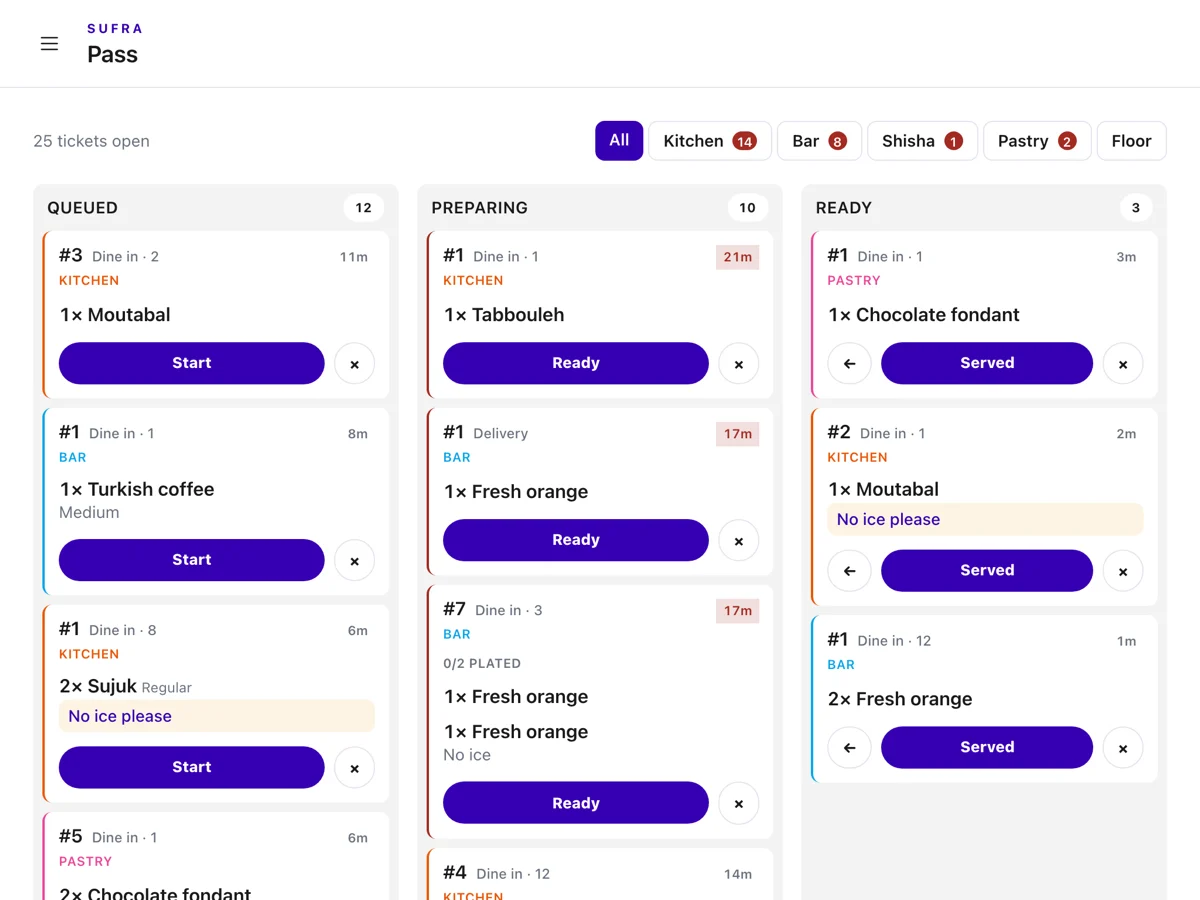
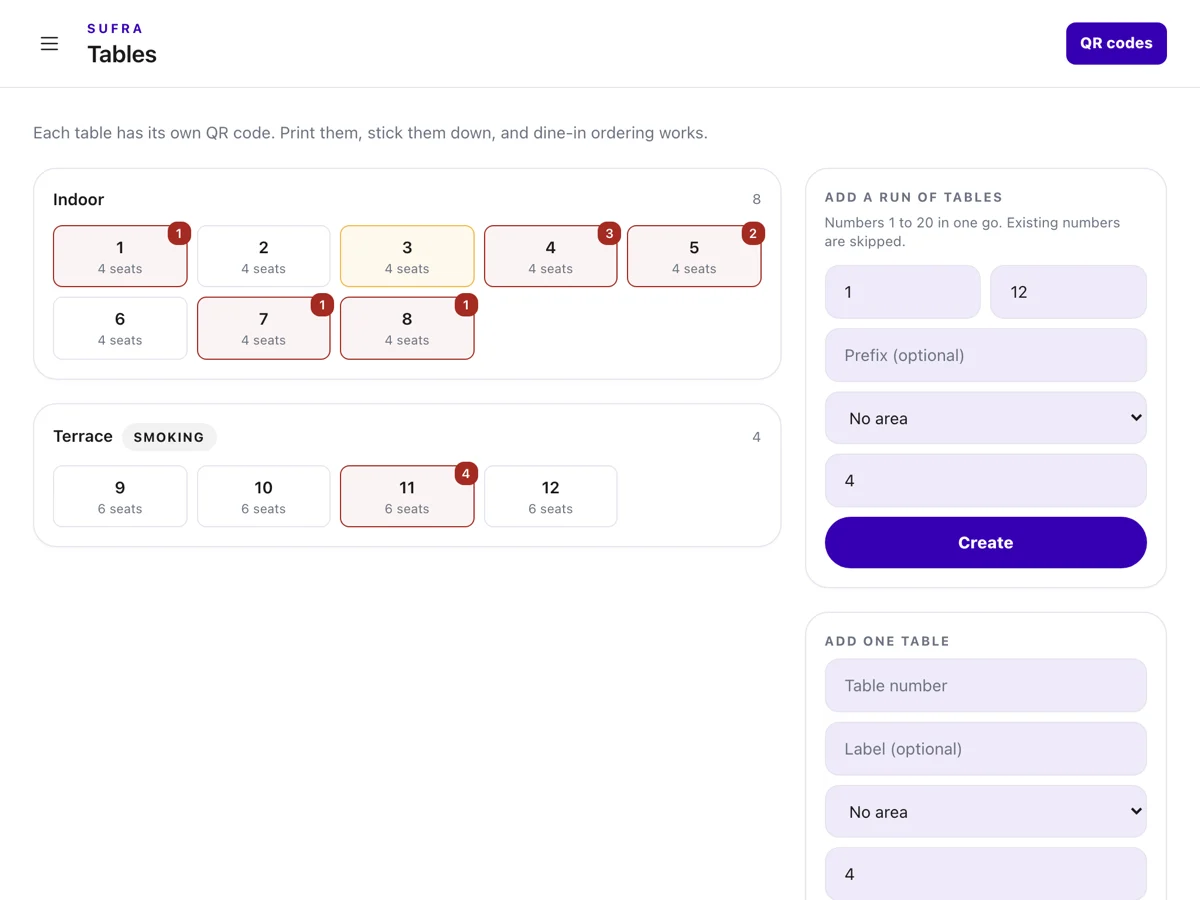
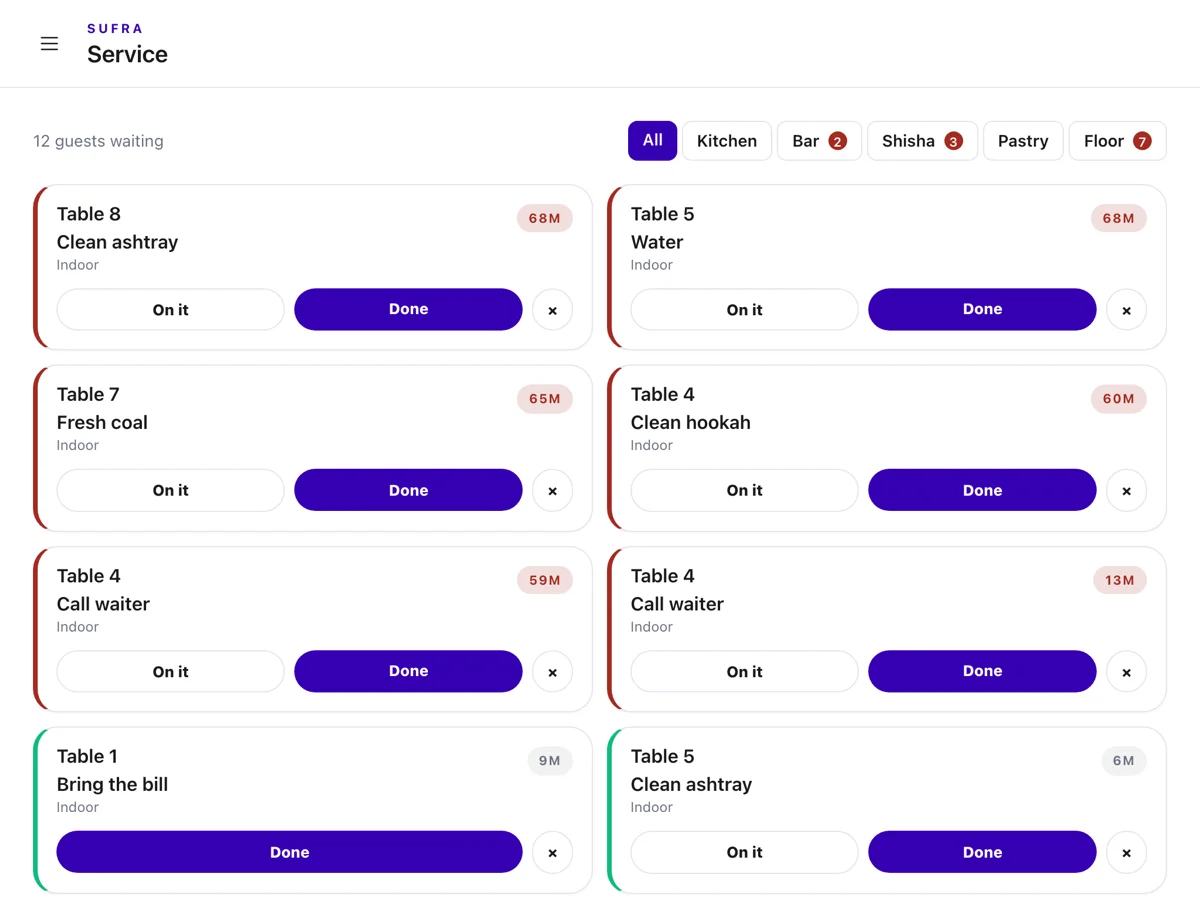
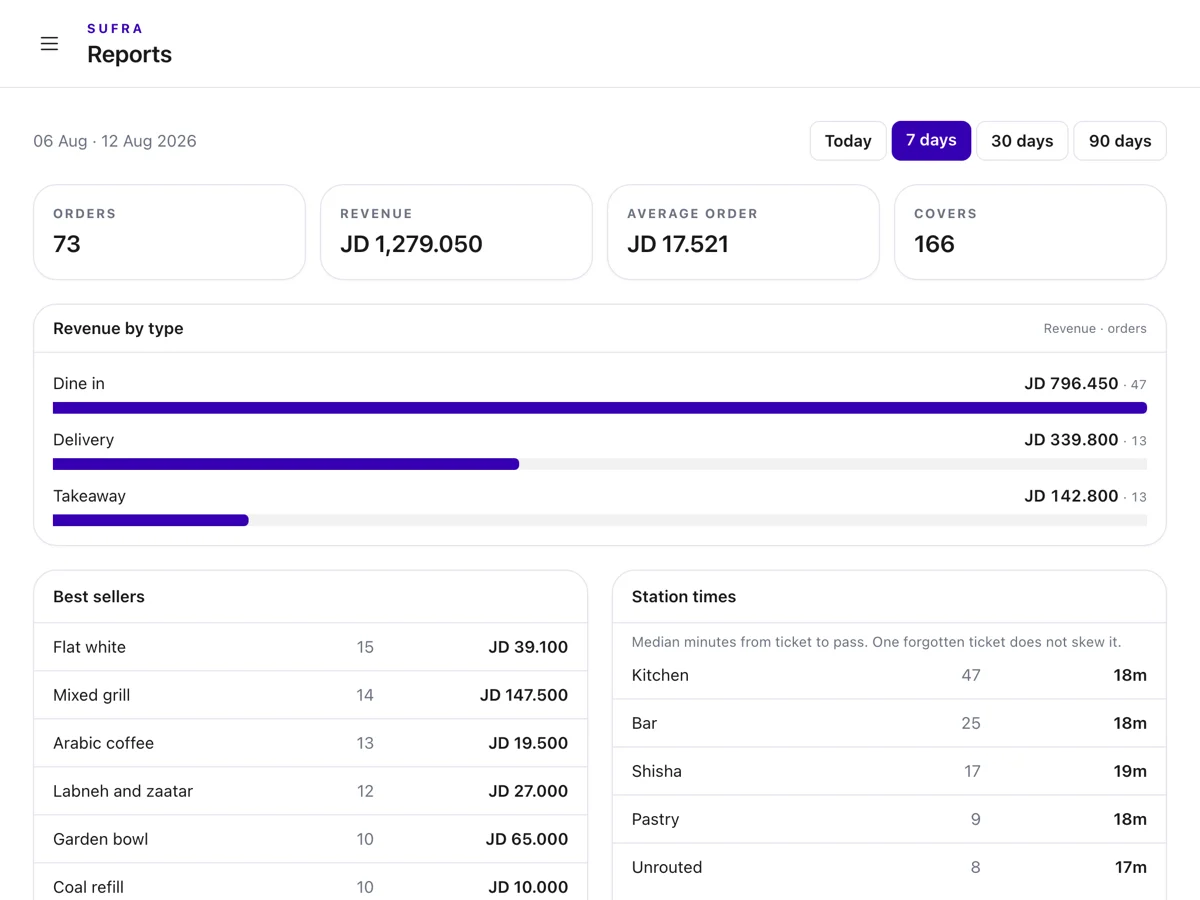
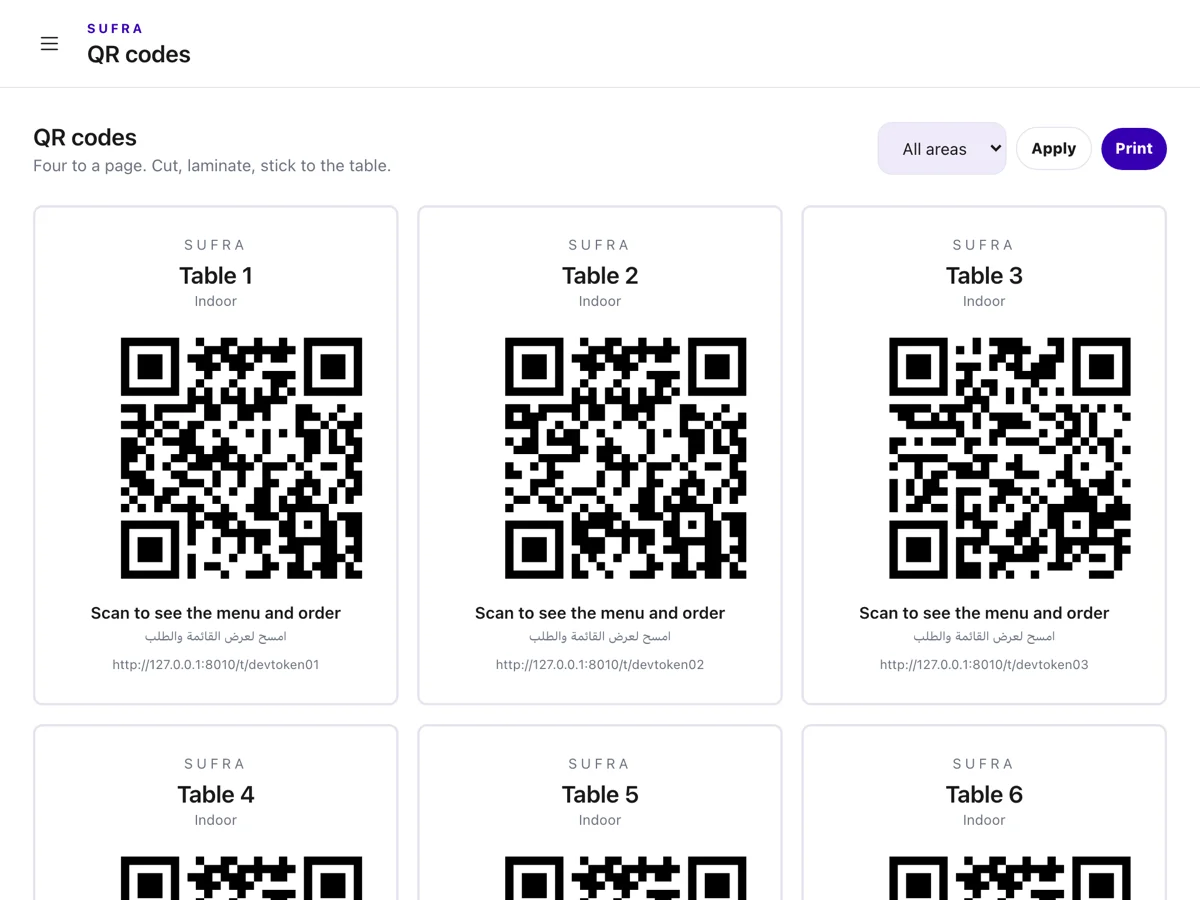
Every screen below is a photograph of the running site. The guest holds the one on the left. The kitchen holds the one on the right, on any tablet with a browser.
The door
A sticker anyone can photograph is not a door.
Scanning nominates a table. It does not prove anybody sat at it - it proves a phone read a picture, and that picture is on a sticker in your window. So when you switch presence on, the guest also types a code from a screen inside the room, and that code changes on a clock.
The scan binds that phone to that table for the sitting, not to a guess
The code is six digits and rotates every three minutes, so a screenshot is stale by the drive home
Five wrong tries and that browser is locked out of that table for ten minutes
A good deterrent, not a proof: a guest told the code by a friend inside can still use it, and we say so
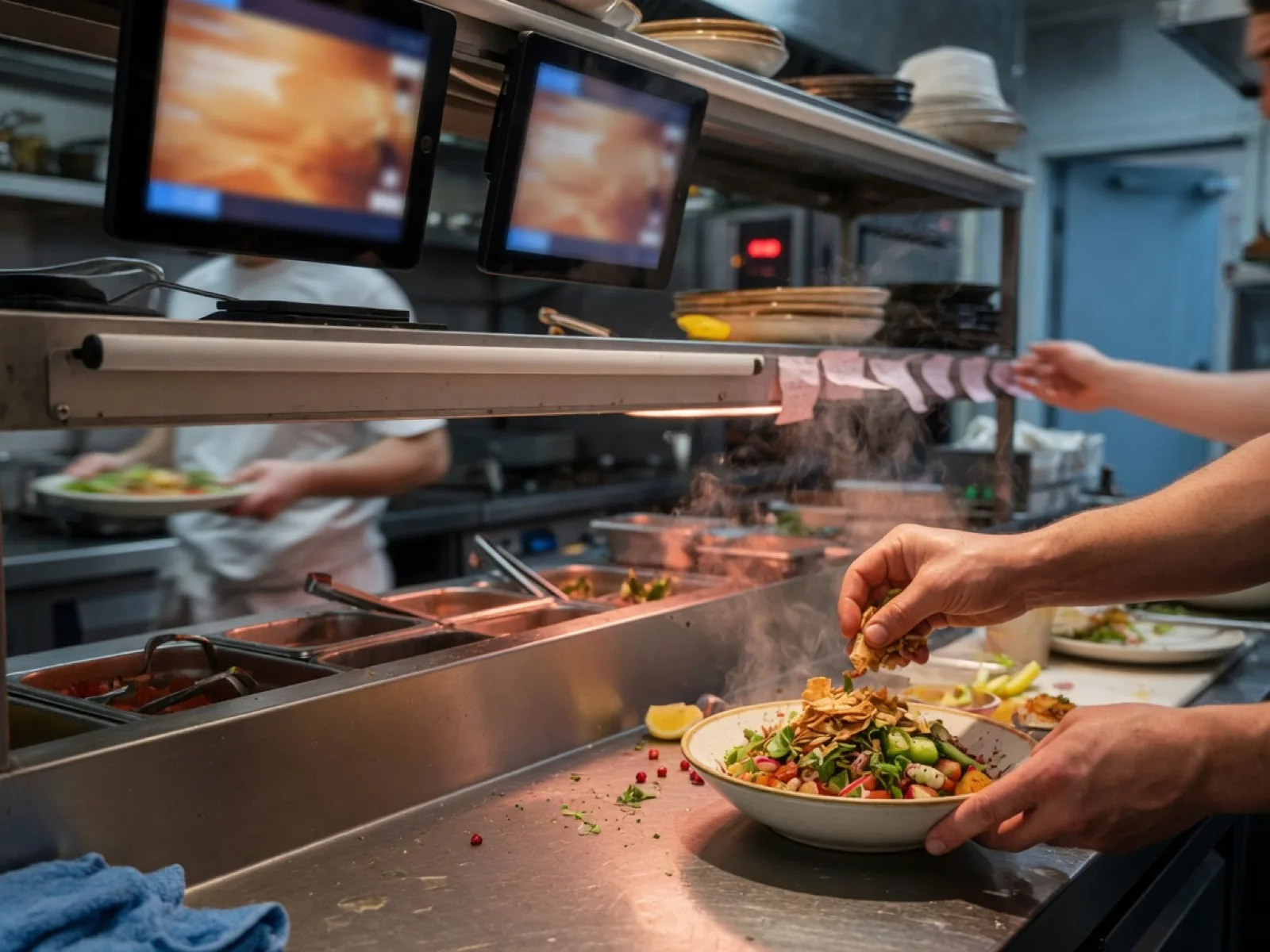
The pass
The bar is not scrolling past a steak to find its mojito.
One order becomes one ticket per station the second it is sent. The grill sees the grill, the bar sees the bar, the shisha station sees the coal. Nobody reads somebody else's queue to find their own.
Station routing comes off the dish, not off a rule somebody has to maintain
A ticket goes late at fifteen minutes and colours itself, so nothing is quietly forgotten
The board refreshes every five seconds on any tablet or TV with a browser
Take a dish off for tonight with one tap. It comes back tomorrow on its own.
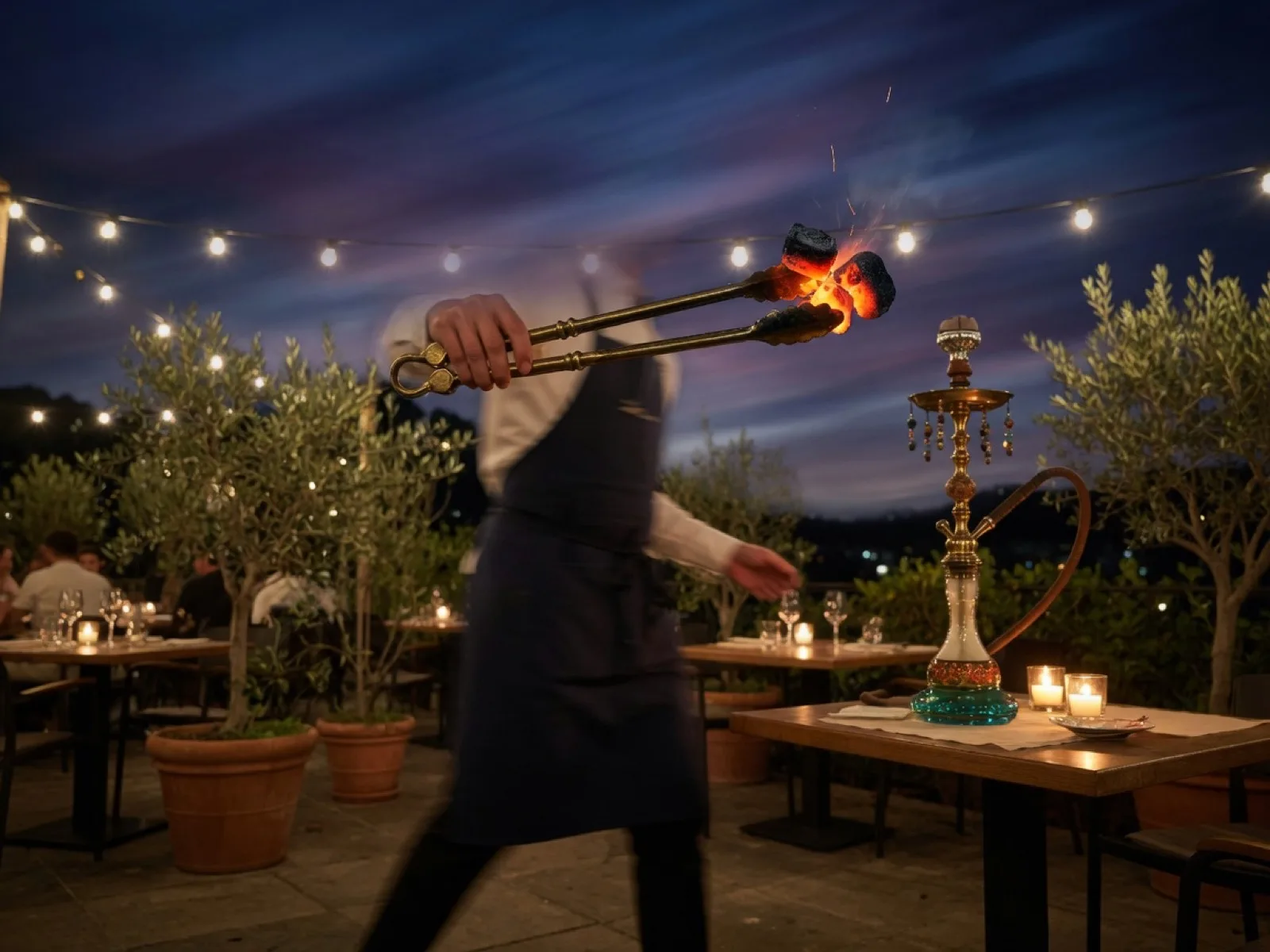
Service requests
Coal, a clean hookah, the bill.
The second order system every menu-only build forgets. A guest asks in one tap - no cart, no account, no waiting for eye contact - and it lands on the same board the station is already holding.
Routed to the station that answers it, not to a general bell nobody owns
Six open requests per table and forty-five seconds between them, so one bored table cannot flood the floor
Every request is timed, so "how long has table nine been waiting" has an answer
Turn the whole thing off if your room does not need it
Everything in the box
One login, and none of it is an add-on.
There is no tier where the kitchen display costs extra and no per-order cut on the way out.
A QR code per table
Codes come out of the admin as a print sheet. Stick one on each table and the floor is wired.
Arabic and English
Two mounts of one site, right-to-left throughout, one typeface across both scripts. Not a translate button.
A menu made of photographs
Sizes, modifiers, allergens and a note for the kitchen, with a picture on every card.
The pass
One column per state, one ticket per station, late tickets marked. On the tablet you own.
Service requests
Coal, a clean hookah, the bill. One tap, no cart, no account, routed to the right station.
The floor board
Every table, who is waiting and for how long. The view a waiter working a section needs.
The guest watches it cook
Their own tracker shows every station the order touched and where each one has got to.
Prepaid meal plans
Sell a week or a month up front. Approvals, the day's deliveries and the picker, on the same login.
Dine in, takeaway, delivery
Three channels off one menu, each one a switch, with delivery areas priced per zone.
Four staff roles
Kitchen, floor, manager, owner. Everyone lands on the screen they work from, not on the takings.
Reports and an activity log
The day's takings, what sold, and who reopened a settled payment.
Yours to change
Colours, copy, photos, dishes, tables and zones are all admin screens. A colour change needs no developer and no rebuild.
Going live
Three things happen, and one of them is printing.
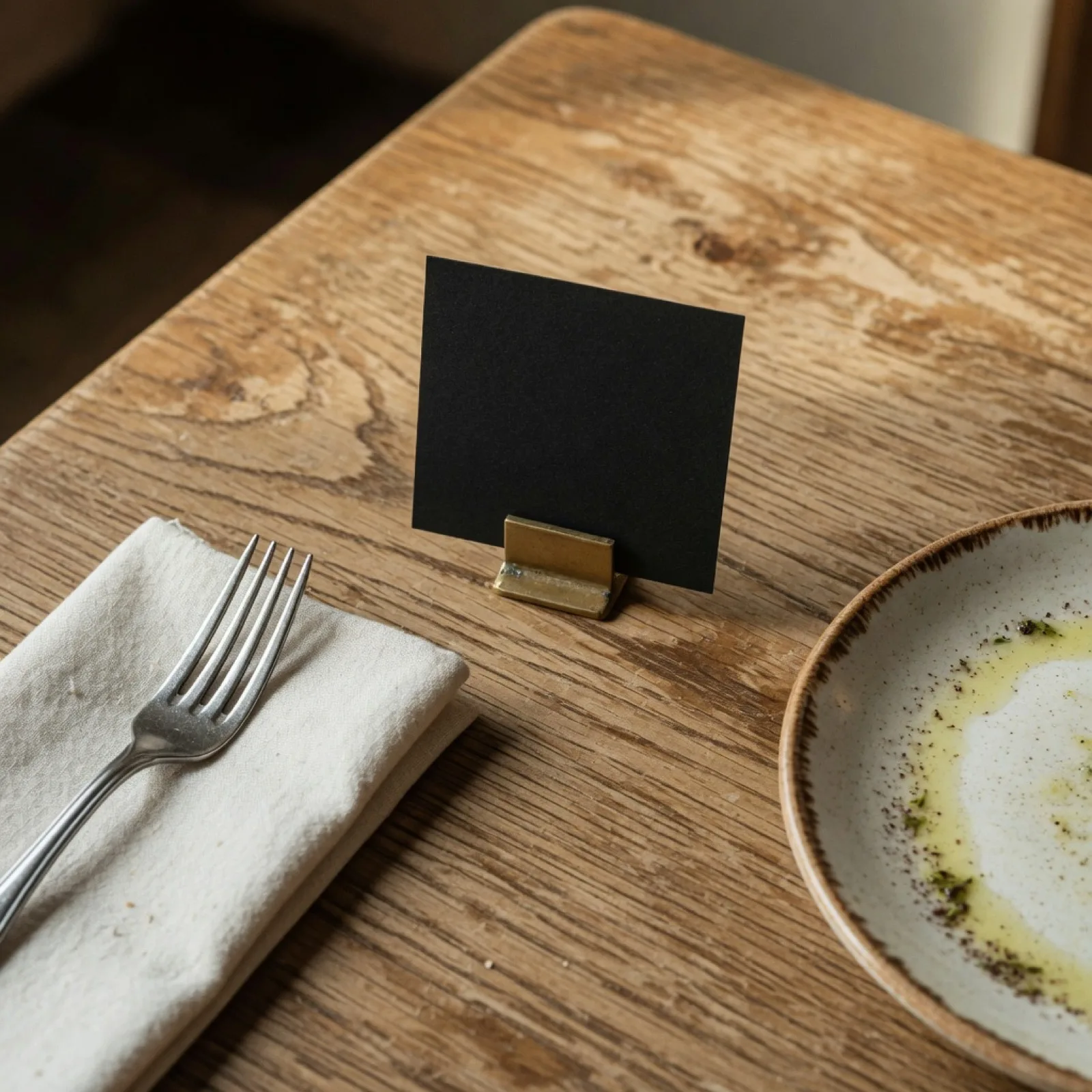
Print the sheet
Your tables come out of the admin as a sheet of codes. Print it on the printer you have, stick one on each table.
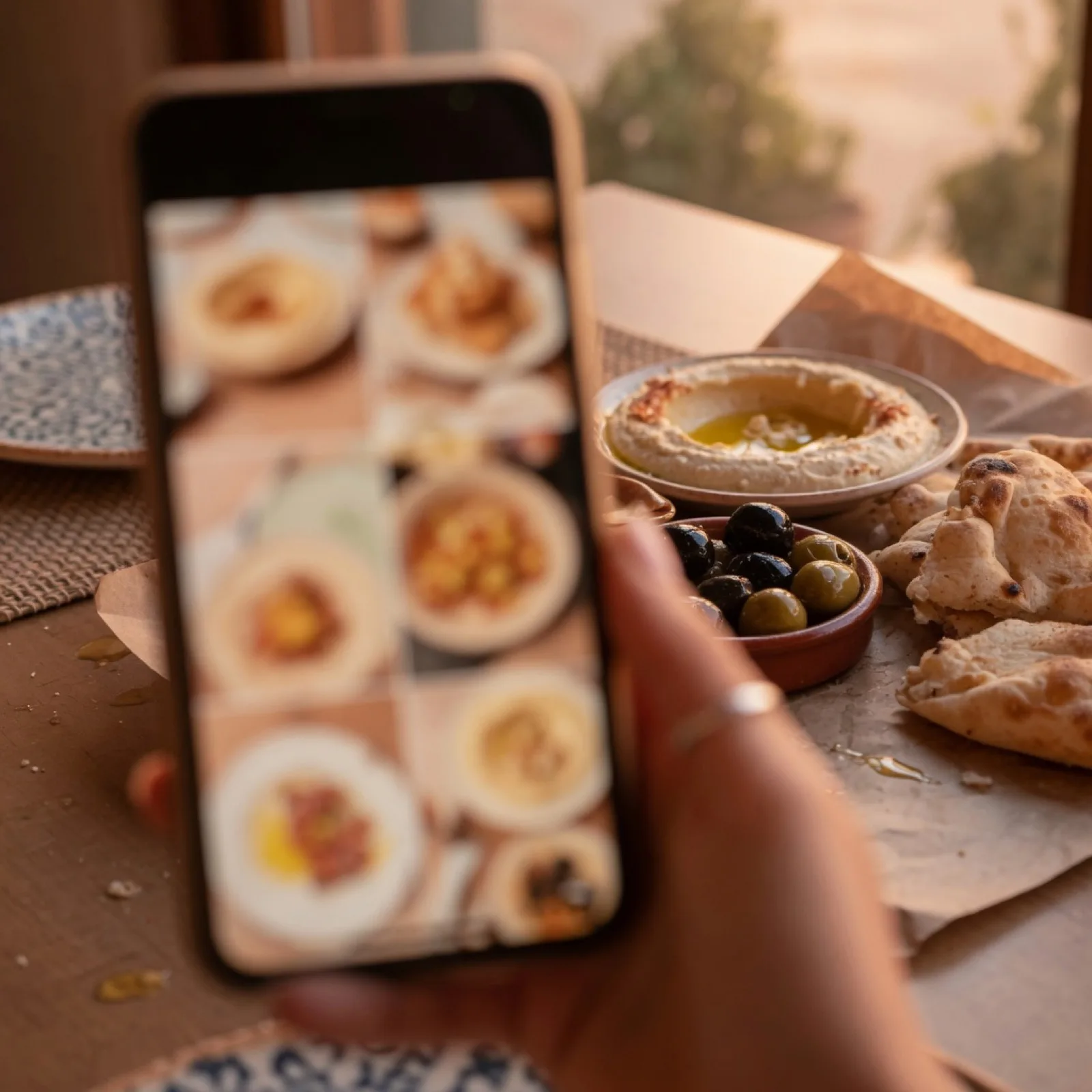
The guest scans
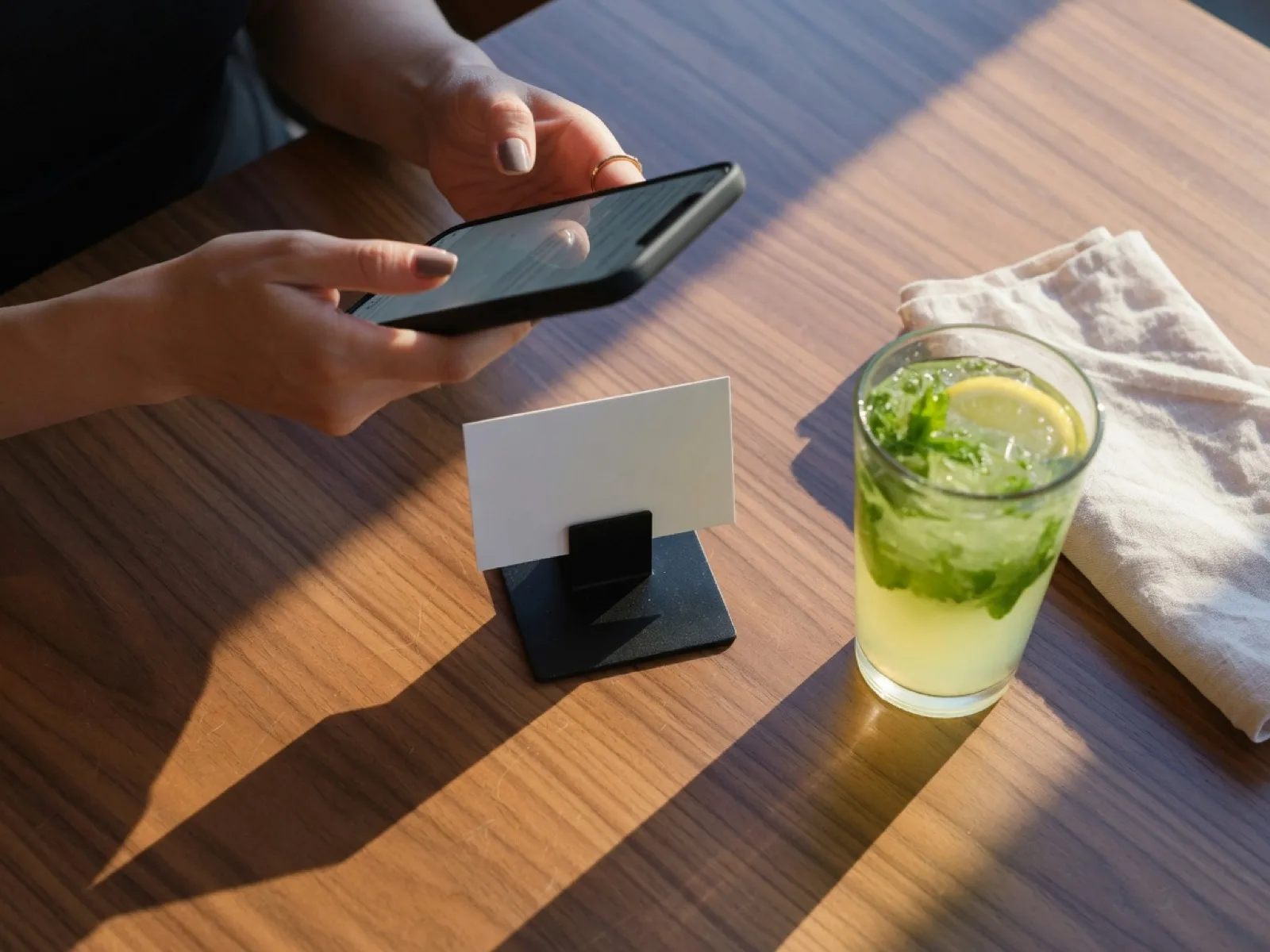
Their camera is enough. No app, no account, no keyboard. They read the menu in their own language and send the order.
The kitchen fires
It splits across stations the second it is sent, and the guest can watch it move without asking anyone.
Where this sits
Against the three things you are probably comparing it to.
These are categories rather than brand names on purpose. Ask any vendor the same eight questions and write their answers in the last three columns yourself.
| rife | A QR menu app | A full POS suite | A delivery marketplace | |
|---|---|---|---|---|
| Guest orders without downloading anything | Yes | Yes | Sometimes | Yes |
| Arabic and English as equals, right to left throughout | Yes | Varies by vendor | Varies by vendor | No |
| Kitchen display, split by station, in the base price | Yes | No | Costs extra | No |
| Proof the guest is actually in the room | Yes | No | No | No |
| Shisha, coal and bill requests as first-class orders | Yes | No | No | No |
| Prepaid meal plans | Yes | No | Sometimes | No |
| Runs on the phones and tablets you already own | Yes | Yes | No | Yes |
| Nobody takes a cut of the order | Yes | Yes | Yes | No |
Compiled from published vendor material and our own build. Bring it to the vendor and check it.
The questions we always get
Asked in every meeting.
Do guests have to download an app?
No. The code opens a web page in the phone's own camera app. There is nothing to install, nothing to sign up for and nothing left on their phone afterwards.
Does a guest need an account to order?
No. Ordering from a table never touches an account. An account does exactly two things: it stops a regular retyping their name and number at checkout, and it keeps their order history when they change phone. A guest who never makes one is still remembered on their own device.
What stops someone ordering to a table they are not sitting at?
Scanning alone is treated as proof of nothing, because a sticker in your window is a public URL the moment somebody photographs it. With presence on, the guest also types a six-digit code shown on a screen inside the room; it changes every three minutes, and five wrong tries lock that browser out of that table for ten minutes. Read that as a strong deterrent rather than proof - a guest who is told the code by a friend inside can still use it. The strict version requires a staff member to open the table, and nobody outside the building can satisfy that.
Does it really work in Arabic?
Yes, and not as a layer over an English site. Arabic and English are two mounts of the same site with right-to-left layout throughout, one typeface across both scripts, and links that keep a guest in the language they arrived in instead of dropping them back into English mid-order.
What hardware do we have to buy?
A phone per guest, which they brought with them, and a screen per station, which is any tablet or TV with a browser. The code sheets print on the printer you already have. There is no terminal to buy and no proprietary display.
Can we change prices and photos ourselves?
Yes. Dishes, photos, modifiers, sections, tables, delivery zones, staff accounts, opening hours, colours and page copy are all admin screens. A colour saved in settings retints the whole site with no developer and no rebuild.
Can we turn parts of it off?
Yes, and some of it ships off. Service requests, meal plans, takeaway, delivery, the about and contact pages and the table-number box are all switches. The presence code ships off deliberately: turning it on before there is a screen in the room does not secure the venue, it closes it, because every guest is asked for a number nobody is showing.
What happens when the wifi drops?
Guests are on their own mobile data, so a venue wifi outage does not stop ordering from the table. The pass and the floor board are browser screens that reconnect and repoll on their own. Nothing is queued on a device that can walk out of the building.
Your room, on the tablets you already own.
Open the menu on this tablet and order something. It is the real site, with a real kitchen behind it.